

You may need to outsource some parts of your web content to an external vendor. How do you ensure such third-party contents are accessible before publishing them? Find out in this article.
Most websites use relevant third-party content that supplements and supports their business operations and marketing strategies. Such content includes:
- Media content – e.g., embedded videos and images, news feeds, social media feeds, etc.
- Service content – e.g., online booking and payment services, user login systems, etc.
- User-generated content – e.g., posts and comments, images, videos, etc.
However, many of these third-party content and systems are often inaccessible and fall short of ADA compliance standards.
Some are easily remedied – such as adding alternative text to images or improving color contrast and font size. Others, on the other hand, may be out of the website owner’s or developer’s control because they provide limited modification access.
Still, the fact remains that you are responsible for making your web content accessible, whether it was created internally or outsourced to a vendor (third-party content provider).
The American with Disabilities Act (ADA) aims to ensure full and equal access to goods, services, facilities, and accommodations for people with disabilities – digital products inclusive.
Several rulings by the US federal government make it crystal clear that it does not matter who created the inaccessible content or code. As long as it is on your site, then you are responsible for making it accessible.
How To Mitigate ADA Compliance Risks From Third-Party Content
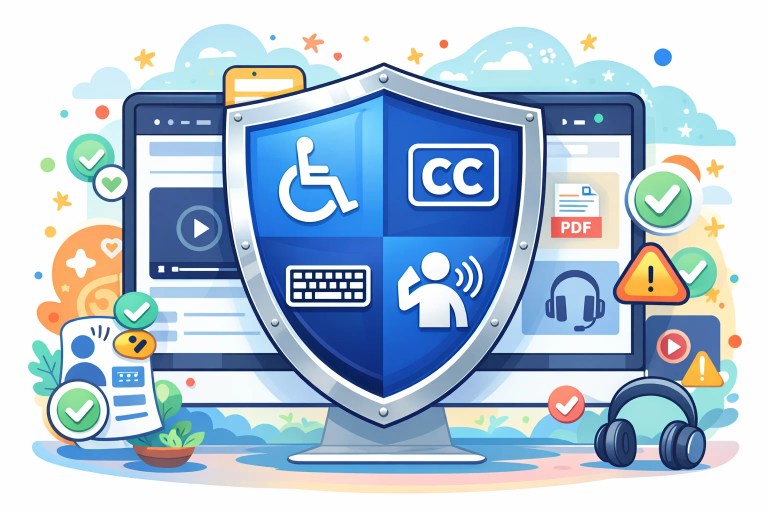
There are several steps you could take to mitigate non-compliance risks from inaccessible third-party content:
1. Add accessibility clauses in your contracts with third-party content providers.
First, use only vendors who produce compliant content, especially embedded services or media content that are part of a commercial agreement.
Also, include an accessibility clause in each contract you enter with vendors. The clause should detail the specified accessibility standard for your region/market.
For example, small vendors or vendors outside the US may be unfamiliar with ADA requirements. But while they may not come directly under the ADA, your company does.
Therefore, the obligation to make your web products and services accessible transfers to your vendors, regardless of their physical location.
2. Ensure the contract covers remediation costs
Your contract with the vendor should clearly outline who bears the cost of remediating inaccessible content. If not, you might start a vicious cycle where a vendor creates inaccessible material, and you need to pay them again to fix the inaccessibility issues in the content. At the same time, quality assurance and auditing costs pile up.
3. Incentivize third-party providers to make their content accessible.
It costs time and money upfront to learn to be accessible. Your vendors may not be motivated to invest, especially if the ADA does not directly apply to them.
So, you may need to incentivize them to create accessible content via a reward for compliance or a penalty for non-conformance.
4. Set a deadline for remediation for each type of inaccessible issue
Suppose your vendor creates content for a three-week life cycle, but you somehow notice that it is inaccessible. Giving them four weeks to fix it means accessible content will never go live.
Therefore, ensure that you set specific deadlines to fix each type of accessibility issue so that it does not affect your publication date.
5. Create systems and controls that block the publication of inaccessible third-party content.
Set up a system that checks all third-party content (either automatically or manually) and addresses accessibility issues in them before publication.
Use embedding techniques that provide you with enough control over the accessibility of third-party content. For instance, check that images have alternative text and embedded videos have captions.
Also, provide accessible substitutes for third-party content you cannot directly remedy. For instance, you can add text alternatives for images of text embedded on a site.
📖Further Reading: What you should know about Accessibility Audits
6. Request feedback from website users.
As a last resort, and after following the other processes provided above, advise visitors to your website that some published third-party content may be inaccessible.
Provide a way for them to give you feedback if they encounter accessibility issues so you can begin remediating the non-conformant content.
How to Manage ADA Compliance Remediation for Third-Party Content
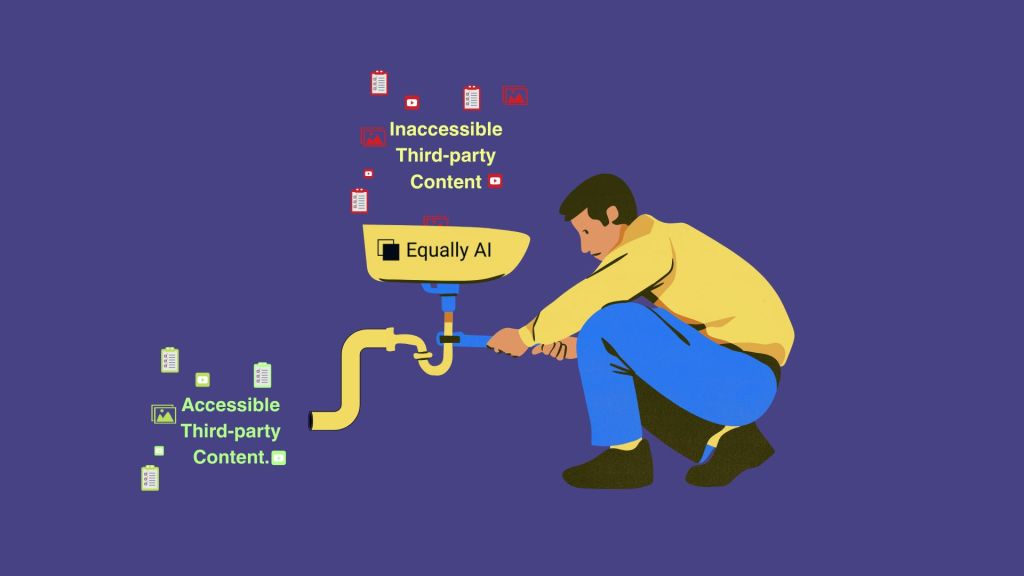
Even after taking steps to mitigate potential non-compliance risks, you may still face accessibility issues in third-party content. In these cases, ADA compliance remediation is essential to fix or minimize these issues, ensuring your website meets accessibility requirements. Here’s how to tackle remediation effectively when you’re already dealing with non-compliance:
1. Work with the Vendor to Fix Issues
When a third-party provider allows modifications, collaborate with them to make content accessible.
This may include adding alternative text to images, providing captions or transcripts for videos, and ensuring forms and interactive elements are fully keyboard navigable.
2. Provide Accessible Alternatives
In the cases where the original content cannot be modified, create equivalent accessible versions on your own website.
For example, replace images of text with actual text, provide accessible PDF or document versions, or offer fully accessible alternatives for embedded media.
Tools like Equally AI can help generate accessible alternatives automatically, simplifying the process and ensuring consistent accessibility across your site.
3. Use Accessibility Overlays or Wrappers with Caution
In certain cases, accessibility overlays or scripts can temporarily enhance usability, such as enabling keyboard navigation or improving screen reader announcements for embedded content. However, overlays should not replace proper remediation.
They are best used as a stopgap while permanent solutions are implemented with the vendor or via alternative content.
4. Document and Track Remediation Efforts
Keeping detailed records of each inaccessible element and the actions taken to remediate it is essential.
Documentation helps demonstrate due diligence in case of ADA inquiries or audits. Assign responsibilities to team members, set clear deadlines for remediation, and maintain logs of completed and ongoing accessibility improvements.
This process ensures accountability and creates a repeatable workflow for future content updates.
5. Provide a Clear Way for Users to Report Remaining Issues
Even after remediation, some accessibility issues may persist. Provide users with an accessible method to report problems they encounter with third-party content.
Promptly responding to these reports helps close remaining gaps and shows an ongoing commitment to accessibility.
What is the WCAG standard on handling inaccessible third-party content?
WCAG 2.1 provides some guidance concerning third-party content. Clause 5.4 Statement of Partial Conformance – Third Party Content outlines that:
A Statement of Partial Conformance may be made that the page does not conform, but could conform if certain parts were removed.
What this means is that the tag of “partial conformity” admits that the content is “non-compliant” because it is outside the website owner’s control (provided by a third party). It does not lay claims to full compliance simply because of this premise.
Conclusion
An advantage of using third-party content is that it does not require hands-on management. Nevertheless, you remain responsible for ensuring your website’s content is accessible.
We’ve provided some actionable recommendations to mitigate the risk of using inaccessible third-party content on websites. You could apply variations or alternatives depending on the type of content or accessibility issue concerned.
Frequently Asked Questions
Under the ADA, website owners are fully responsible for ensuring all content on their site is accessible, even if it is created or provided by third-party vendors, embedded services, or user-generated sources. The law holds site owners accountable regardless of who produced the content or code.
If it appears on your site, it is your liability.
To reduce risks, include accessibility clauses in your vendor contracts specifying standards such as WCAG 2.1 AA, and clearly outline who is responsible for remediation, including costs and deadlines. Encourage vendors to produce accessible content by providing incentives for compliance.
WCAG 2.1 allows a “Statement of Partial Conformance – Third Party Content” for elements truly outside your control, such as unmodifiable embeds. This statement acknowledges that the page does not fully conform, but could if those parts were removed